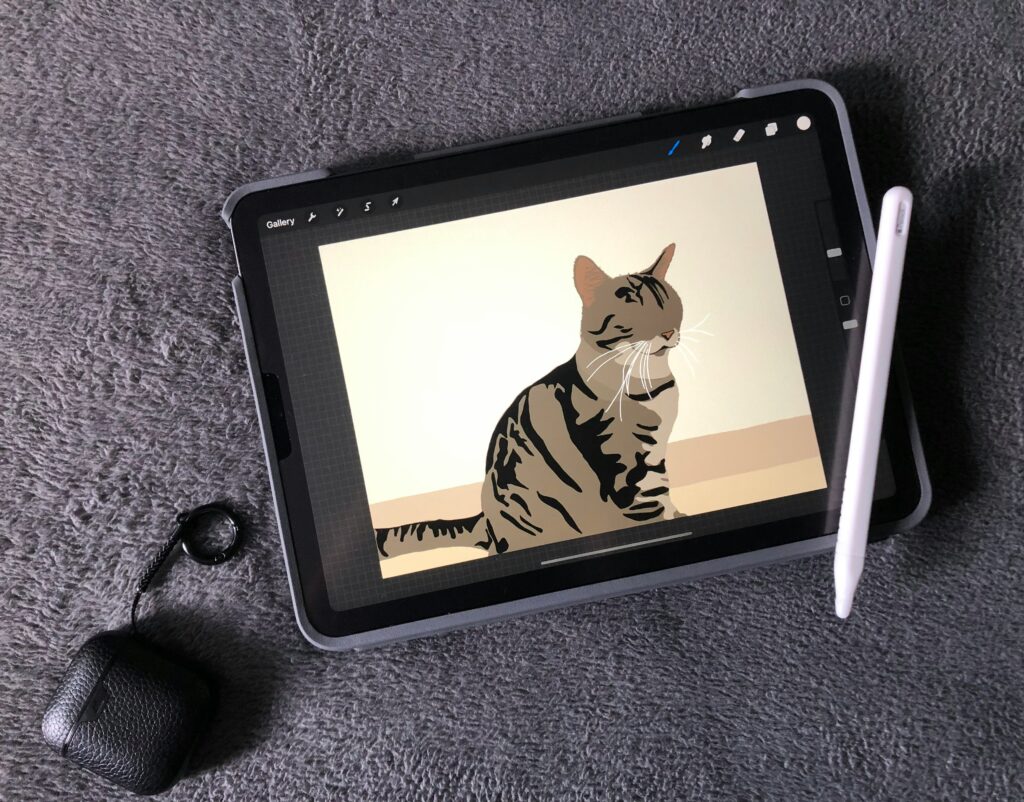
Ask an AI image generator for “a golden retriever wearing a birthday hat” and you may get something shockingly convincing.
Ask for a hand holding three specific objects beneath a sign with perfectly spelled text, and the magic can disappear pretty fast.
That gap is the easiest way to understand what these tools are good at.
They’re very good at the big picture
Modern AI image tools can create convincing:
- landscapes
- portraits
- product-style scenes
- illustrations
- mood images
- stylized artwork
- simple compositions
You describe the scene and the model builds an image from learned visual patterns.
Many systems use diffusion-based methods. In plain English, the model learns how to turn visual noise into something that matches a description. It’s not simply searching a folder and pulling out a stored photograph.
That doesn’t make every output legally risk-free, but it does explain why the result can be new while still looking familiar.
The little details are where things still get weird
Hands have improved a lot, but complicated poses can still go wrong.
Text inside images is better than it used to be, but longer wording, small fonts, or exact spelling can still fail.
Accessories can merge into skin. Glasses frames vanish. Jewelry changes shape. A character that looked perfect in image one may look like their cousin in image two.
And consistency across a full series is still harder than generating one attractive image.
That’s why “make me one nice image” and “make me the same character in 20 scenes” are very different jobs.
What I’d trust AI to do
| Task | Usually a good fit? |
|---|---|
| General scenes and landscapes | Yes |
| Photorealistic portraits | Often |
| Simple hand poses | Often |
| Complex hand interactions | Still risky |
| Short readable text | Improving |
| Long or exact text | Still unreliable |
| Same character across many images | Possible, but inconsistent |
| Exact branded details | Needs care |
The tools improve quickly, so the edges of this table will move.
The basic pattern probably won’t: broad visual ideas are easier than exact visual instructions.
Prompt for composition, not just subject
“A person at a desk” leaves a lot open.
This is better:
A photorealistic person sitting at a desk working on a laptop,
shown from the waist up, natural window lighting,
modern minimalist home office, landscape 16:9,
no text, no logos, no visible brand names.
The extra detail isn’t there to impress the model.
It’s there to remove guessing.
Framing, lighting, aspect ratio, and what should not appear can matter as much as the subject itself.
One thing I wouldn’t ask AI to do unless I had to
Important text. If a sign, label, price, or caption needs to be exactly right, I’d rather generate the image first and add real text afterward in Canva or another editor. It’s faster than arguing with an image model about the spelling of a six-word headline for 20 minutes. It’s usually faster than spending 20 minutes arguing with the image model.
Copyright isn’t one question
People often ask, “Are AI images copyright-free?”
That’s too broad.
There are several different questions hiding inside it:
- whether the output itself qualifies for copyright protection
- what the tool’s terms allow you to do commercially
- whether a specific output resembles protected work too closely
- how the training-data legal issues develop over time
If you plan to use an image commercially, check the current terms for the tool you used.
And avoid treating “AI-generated” as a magic label that makes logos, copyrighted characters, or recognizable artwork automatically safe to recreate.
The practical rule
Use AI for the part it’s excellent at: getting from a blank page to a visual idea very quickly.
Then inspect the details.
Hands. Text. Logos. Reflections. Repeated patterns. Small accessories.
The first image may look amazing at full size and very strange at 200% zoom.
That’s normal.
Related Reading
AI Tools for Beginners: The Complete Guide to Getting Started
How to Write Better ChatGPT Prompts: A Beginner’s Guide
Last updated: August 2026.