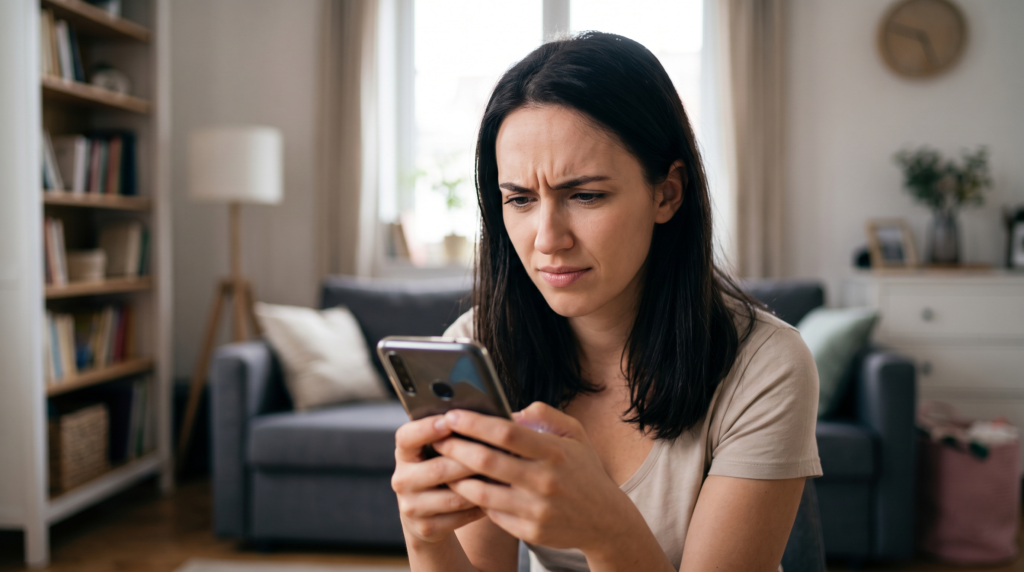
Your phone buzzes.
Your package could not be delivered. Update your address to avoid a $2.99 redelivery fee.
There’s a link. You’re expecting a package. Your thumb is already moving.
That’s why these messages work.
The good news is that you don’t have to become a phishing expert to deal with one.
Don’t solve the text. Check the package.
The safest move is boring, which is exactly why it works. Ignore the link in the message. Open the retailer’s app, go to the carrier’s official site yourself, or use the tracking link from the order confirmation you already have.
If there really is a delivery problem, it should show up there too. That single habit matters more than trying to decide whether the wording sounds “AI-generated,” whether the grammar looks polished, or whether the logo seems convincing.

A few things make me more suspicious
A text deserves extra skepticism when it does some combination of these:
- claims there’s a package problem but doesn’t identify a shipment you can verify
- pushes you toward one specific link
- asks for a small payment to “redeliver” the package
- asks you to re-enter card, login, or identity information
- creates a very short deadline
None of those alone is a magical fraud detector.
But if the message is asking you to act quickly inside the message itself, I’d stop there and check the shipment somewhere else.
What if the tracking number looks real?
Don’t test it through the link in the text.
Copy the tracking number and enter it through the carrier’s official app or website.
Even better, check the retailer account where you made the purchase. If the package exists, the retailer should usually have a record of it.
Not expecting anything? Still check before assuming. Gifts, subscription orders, and delayed shipments are all real.
The point is verification, not guessing.
What if the text asks for a tiny fee?
That’s one reason these scams are effective.
A $2.99 or $3.47 “redelivery fee” doesn’t feel like a serious financial decision. It feels like an annoying little errand.
But the payment page may be collecting much more valuable information than the fee itself.
If a carrier really needs money from you, handle it after you’ve independently opened the carrier’s official app or site, not through the link that arrived unexpectedly by text.
If you already clicked it
What matters is what happened next.
You opened the page but entered nothing: close it. Don’t download anything from it. Keep your phone and browser updated.
You entered a password: change that password through the real service immediately. If you reused it anywhere else, change it there too. Turn on multi-factor authentication if you haven’t already.
You entered card information: contact the card issuer and tell them the details may have been exposed. Watch the account for unfamiliar charges.
You downloaded a file or app: remove it and use the device maker’s official support or security tools if you’re not sure what happened.
This is the part worth moving quickly on.
Should you reply?
I wouldn’t.
Don’t argue with it, ask whether it’s real, or click an “unsubscribe” link inside a suspicious message.
Use your phone’s junk-reporting feature instead. In the U.S., scam texts can also be forwarded to 7726 (SPAM), and fraud can be reported to the FTC.
Then delete it.
The rule that saves the most trouble
A delivery text is a notification. It shouldn’t become your doorway into the account. If the message says something is wrong, leave the message and check the package through a channel you already trust. No detective work required.
Related Reading
How to Tell If That “Emergency” Call From Your Kid Is Really AI
7 Signs a Photo Was Made by AI (No Special Tools Needed)
Is It Safe to Share Personal Information with ChatGPT?
Sources & Last Updated
Last updated: August 2026.